
SnapMulti
One capture, multiple share-ready frames.
SnapMulti helps you shoot with front and back cameras, compose multiple aspect ratios, and export polished images without repeating the same shot.
Use picture-in-picture or split dual-camera layouts, adjust crop frames, and keep the camera workflow private on your device.

Front and back camera capture
Turn on the front camera, back camera, or both. Dual-camera mode supports picture-in-picture and orientation-aware split layouts so one shot can include the subject and the scene.
- Portrait uses stacked split view
- Landscape uses side-by-side split view
- Picture-in-picture stays available in either orientation
Multi-ratio framing for social posts
Choose output formats like original, 1:1, 4:3, 4:5, and 9:16. Focus an aspect ratio, drag its crop frame, then capture once and export the set.
- Independent crop positioning for selected formats
- Preview, save, or share the current result
- Save or share all generated formats together
Private by default
Camera frames are processed on device. SnapMulti does not upload your camera preview or captured photos to developer servers.
- RevenueCat manages purchase status and restoration
- No account required
- Photo library access is used only when you save selected images
Overview
Capture once with front and back cameras, then export multiple ready-to-share aspect ratios.
SnapMulti is a focused camera utility for creators who need front/back capture and multi-ratio output in one workflow. Capture with one or two cameras, frame multiple aspect ratios, preview each result, and save or share the outputs that fit your post, story, profile, or archive.
What's New
Latest updates
- Initial App Store release with dual-camera capture and multi-ratio framing.
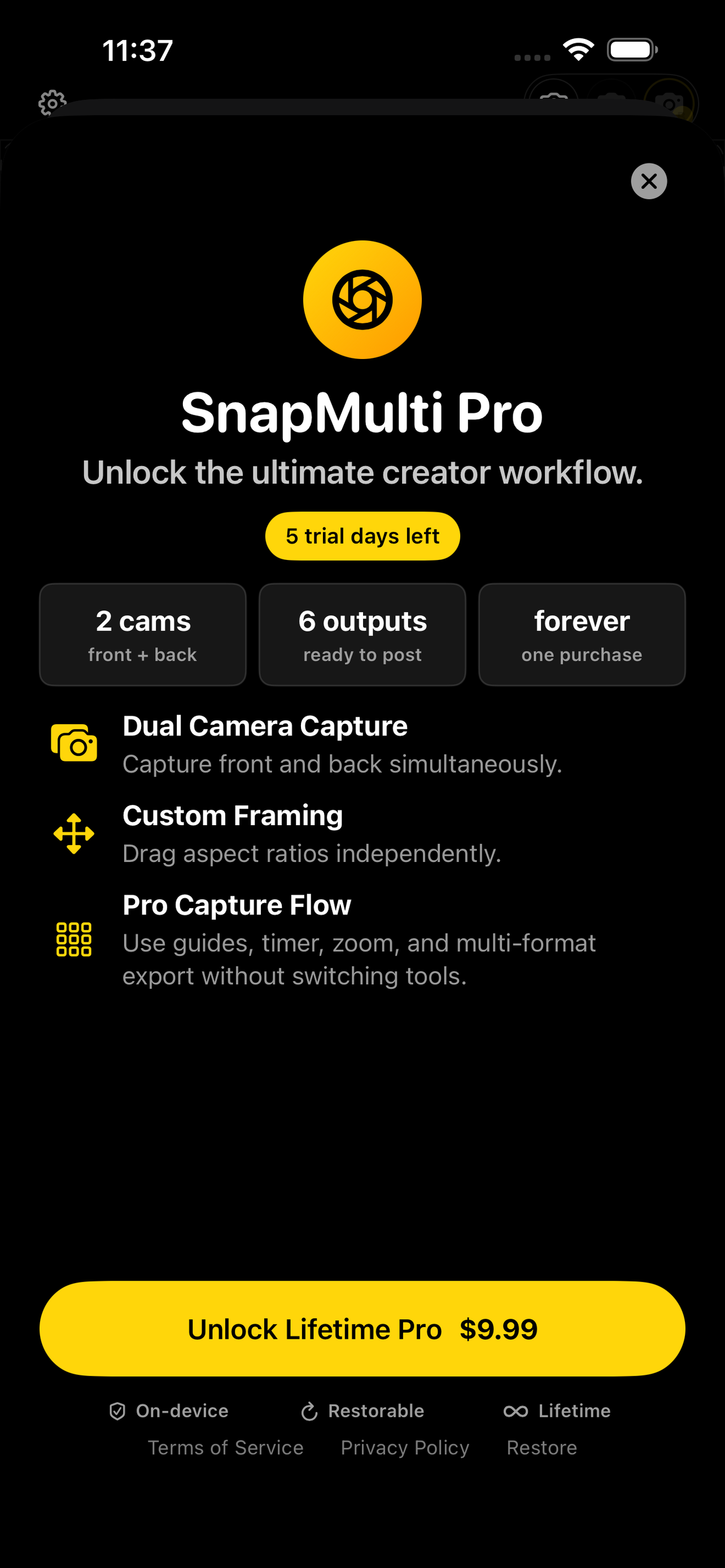
- One-screen Pro unlock flow with a one-time Lifetime purchase.
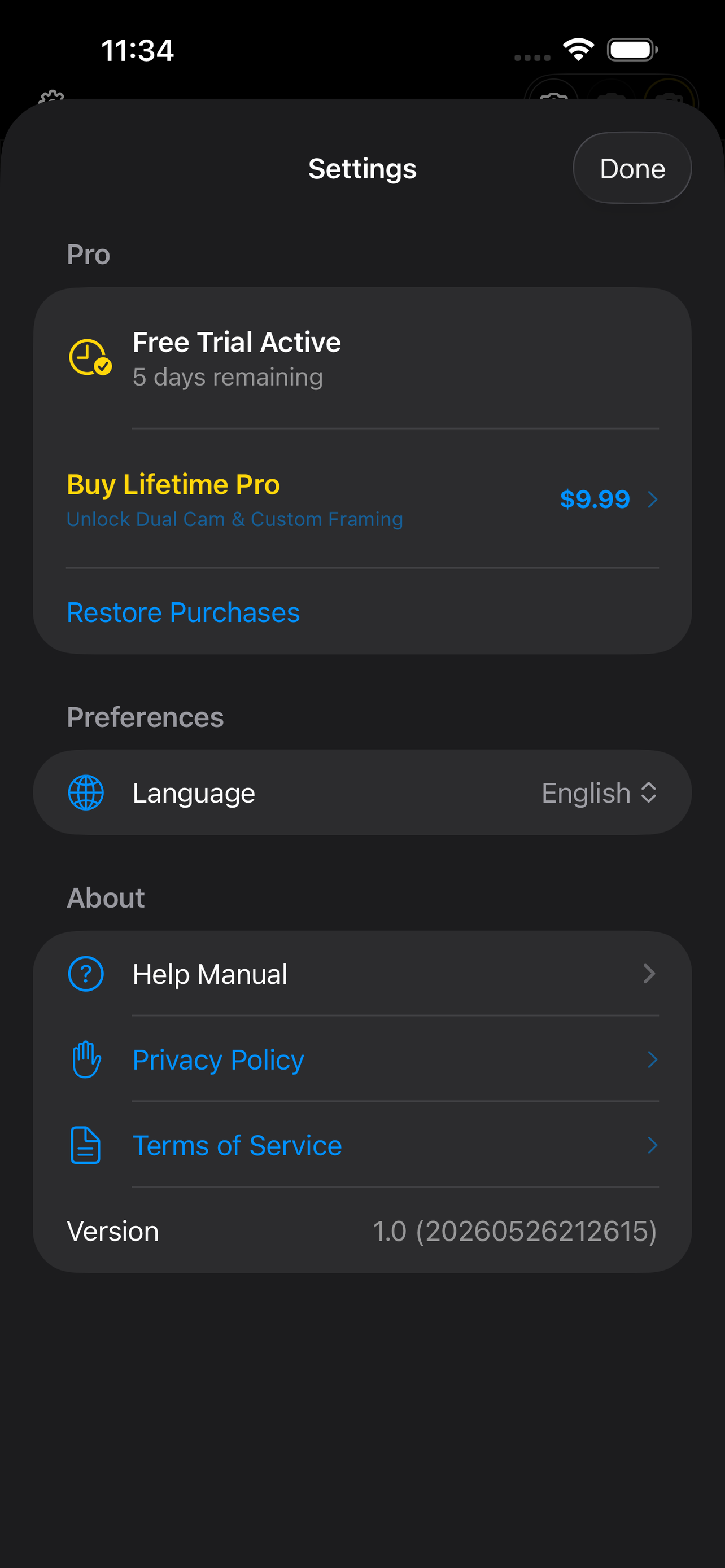
- In-app help manual, restore purchases, privacy policy, and terms links.
Gallery
Scroll through interface highlights
App Information
- Seller
- Wang Shu
- Category
- Photo & Video
- Compatibility
- Requires iOS 17.0 or later.
- Languages
- English, Simplified Chinese
FAQ
Answers to common questions
Do I need an account?
No. SnapMulti works without an account.
Does SnapMulti upload my photos?
No. Camera preview and captured images stay on your device unless you choose to share or save them through iOS.
What does Pro unlock?
SnapMulti Pro Lifetime is a one-time App Store purchase that unlocks dual-camera layouts, custom crop positioning, composition tools, and all supported export formats.
Which devices support dual camera?
Dual-camera capture requires an iPhone that supports simultaneous front and back camera capture. Single-camera capture remains available on compatible devices.
Policies & Terms
Review how we handle data, billing, and your rights as a subscriber.